
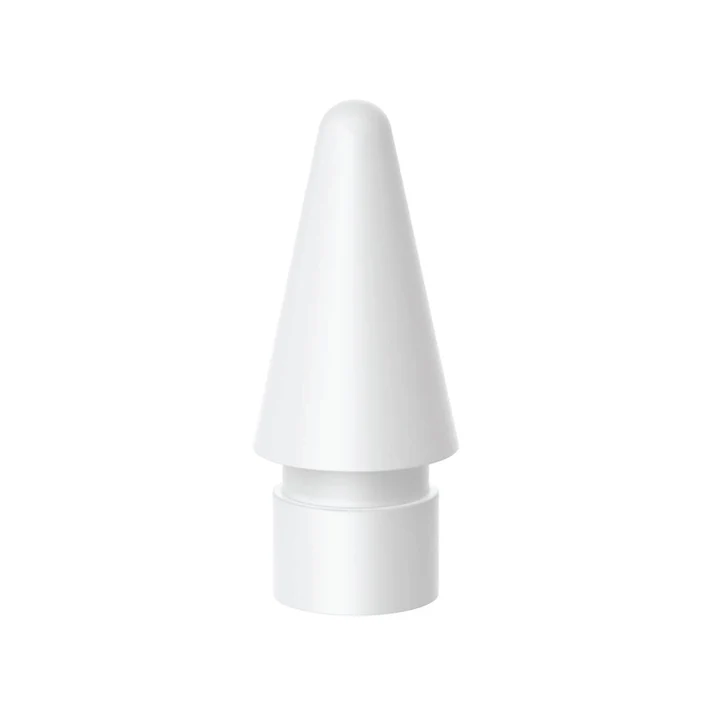
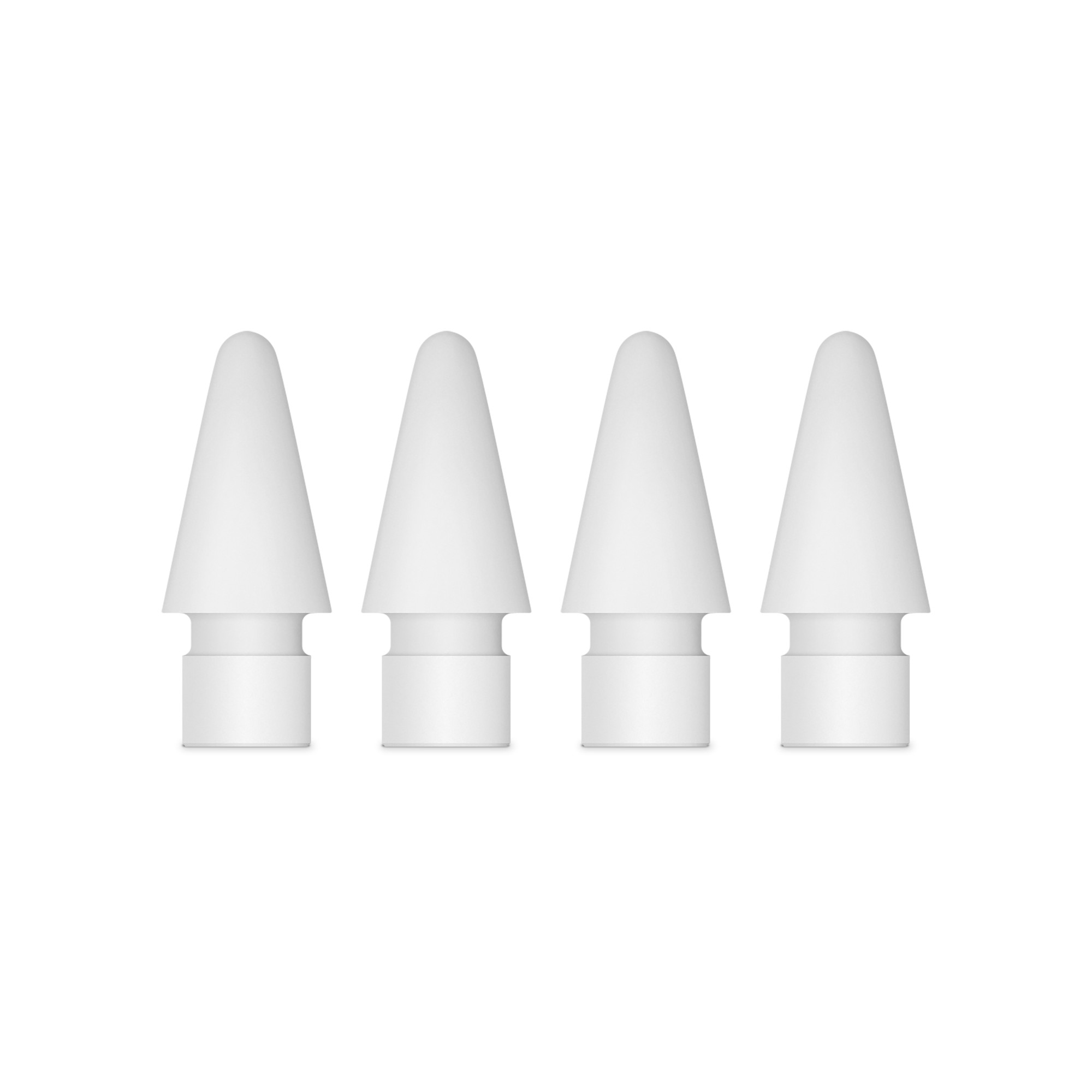
Apple Pencil tips are essentially universal across all Apple Pencil models and are designed to wear down over time to protect the iPad screen.
Key Features and Compatibility
Compatibility: All official Apple Pencil tips are compatible with the Apple Pencil (1st generation), Apple Pencil (2nd generation), Apple Pencil (USB-C), and Apple Pencil Pro. Third-party tips often share this universal compatibility as well.
Material: The official tips are made from a high-quality, hard thermoplastic (likely polycarbonate or similar) with an internal antenna mechanism for pressure sensitivity and tilt recognition. This material is designed to provide a natural writing feel on the iPad's glass surface.
Performance: The tips ensure pixel-perfect precision, low latency, and tilt sensitivity, providing an experience as natural as using a pencil on paper.
Durability and Replacement
Apple Pencil tips are durable, but they do wear out, especially with heavy use or if you use a matte screen protector.
When to replace: You should replace your tip if it starts to feel rough, uneven, or less responsive. A critical warning sign is when the outer plastic material is worn down enough to reveal the metal component underneath, as continuing to use it in this state can damage your iPad's screen.
Lifespan: The lifespan varies widely depending on usage; some users report tips lasting a year or two, while heavy daily users might need to replace them every 4-6 months.
How to Replace the Tip
Replacing the tip is a simple, tool-free process:
Unscrew: Hold the Apple Pencil and gently unscrew the current tip in a counter-clockwise direction. It should only take a few turns to loosen and remove it.
Screw on the new one: Place the new tip on the exposed metal prong and screw it clockwise until it is tight and secure. Avoid over-tightening.
Third-Party Options
While Apple's official tips offer guaranteed performance and fit, many third-party vendors offer alternative options to suit specific needs.
Metal/Fine Point Tips: These are typically made of stainless steel and offer enhanced durability (they don't wear out) and a finer point for greater precision, ideal for detailed work.
Softer/Silicone Tips: These provide more friction or "dampening" on the screen, which can give a better feel for artists (like a brush on paper) and reduce the noise of the tip tapping on the glass.